

Configuration
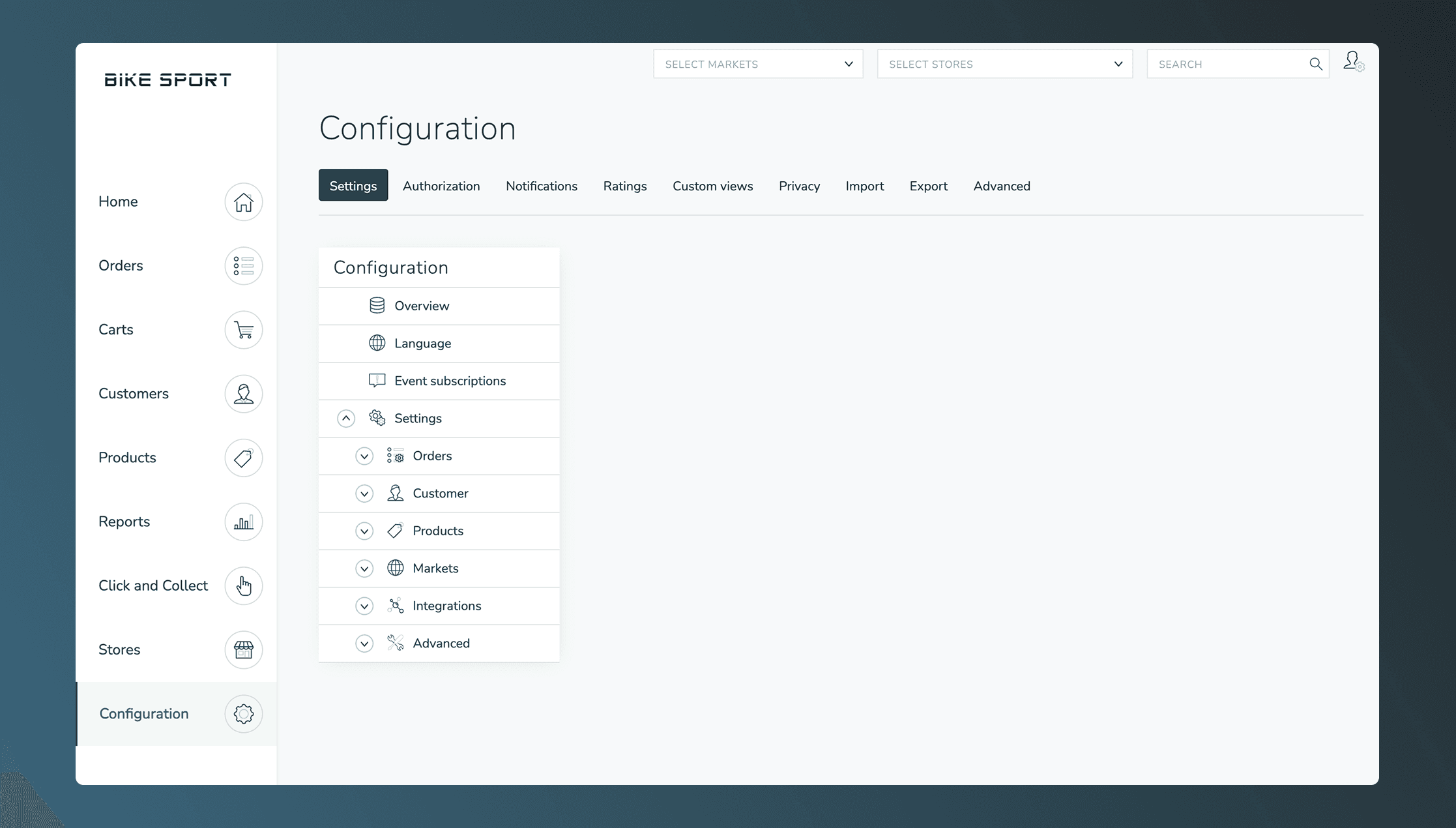
Platform settings, scheduled tasks, GUI extensions, reports, and other configuration options in Omnium.
The Configuration section allows you to adjust Omnium to meet your business needs. From here, you can modify core settings, set up background jobs, extend the UI, and configure reporting.
In this section
GUI Extensions
Extend the Omnium UI with custom iframes, webhook actions, and panels
Embedded Applications
Embed your own application in the UI, receive context, and authenticate the user
Scheduled Tasks
Background jobs for analytics, inventory, orders, notifications, and more
Custom Reports
Data export reports with flexible column mapping and role-based access
Generic Concepts
External IDs, custom properties, and other cross-cutting concepts
Number Options
Auto-generated ID sequences for orders, carts, and other entities
Property Options
Centrally managed dropdown value lists shared across custom property dropdowns
Rounding Settings
Price rounding policies with range-based rules and rounding methods
Settings API
Read order types, order statuses, order settings and customer settings through the API